
1
 on your server
Deploy the AI assistant everyone's talking about in 60 seconds





Instead of spending hours making a deployment work — Use OpenClaw in minutes.
Shortcut Deploy NowNo terminal commands. No config files.
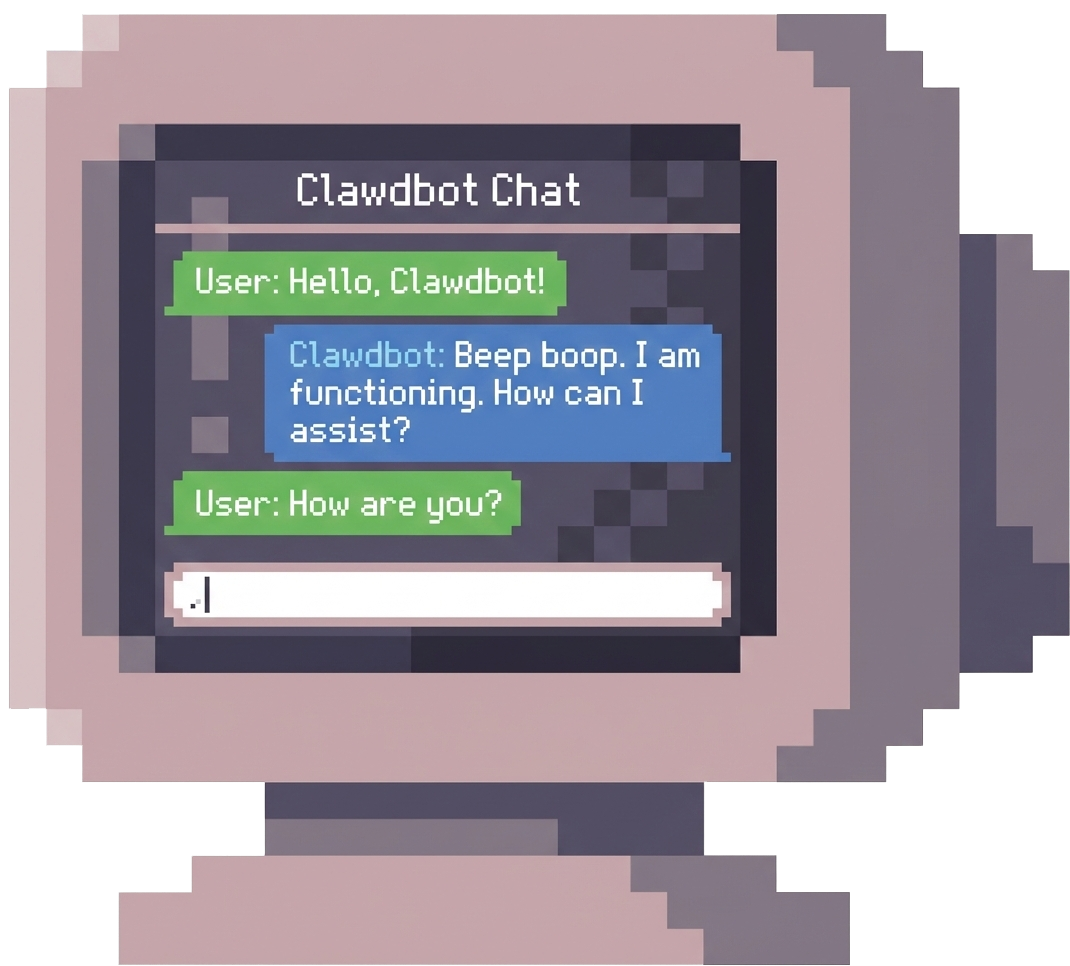

Deploy in minutes. Not 8-40 hours fighting Docker and SSL.
Your infrastructure. Your data. We can't access it.
We handle infrastructure and updates. You use the AI.
Built for builders, not DevOps engineers. Click buttons, get AI.
Thousands are already live. You're one click away.
Talk with us on Discord.
OpenClaw is a personal AI assistant with 130,000+ GitHub stars. It automates tasks, manages communications across multiple channels (Slack, Discord, email), and runs continuously on your infrastructure.
No. OpenClaw runs entirely on your infrastructure (your AWS, Google Cloud, or server). CNAP is the deployment tool. We handle setup and updates; we never have access to your conversations, data, or OpenClaw instance.
DIY usually means 8–40 hours: Docker, SSL, database config, systemd, nginx, backups, updates. CNAP does that in about a minute. Use your time building, not debugging infrastructure at 2am.
Add your server to CNAP, deploy the OpenClaw Helm chart, and shell into the container. You'll be chatting with your AI in no time. No complex configuration required.
Any Kubernetes cluster works: AWS, GCP, Azure, DigitalOcean, Hetzner, or your own hardware. Minimum 2GB RAM recommended.
No. That's the point. You choose your cloud and click deploy; CNAP handles SSL, databases, networking, and the rest. Built for people who want to use OpenClaw, not spend weekends configuring it.